
Camera M 9.0 Liquid Glass Update
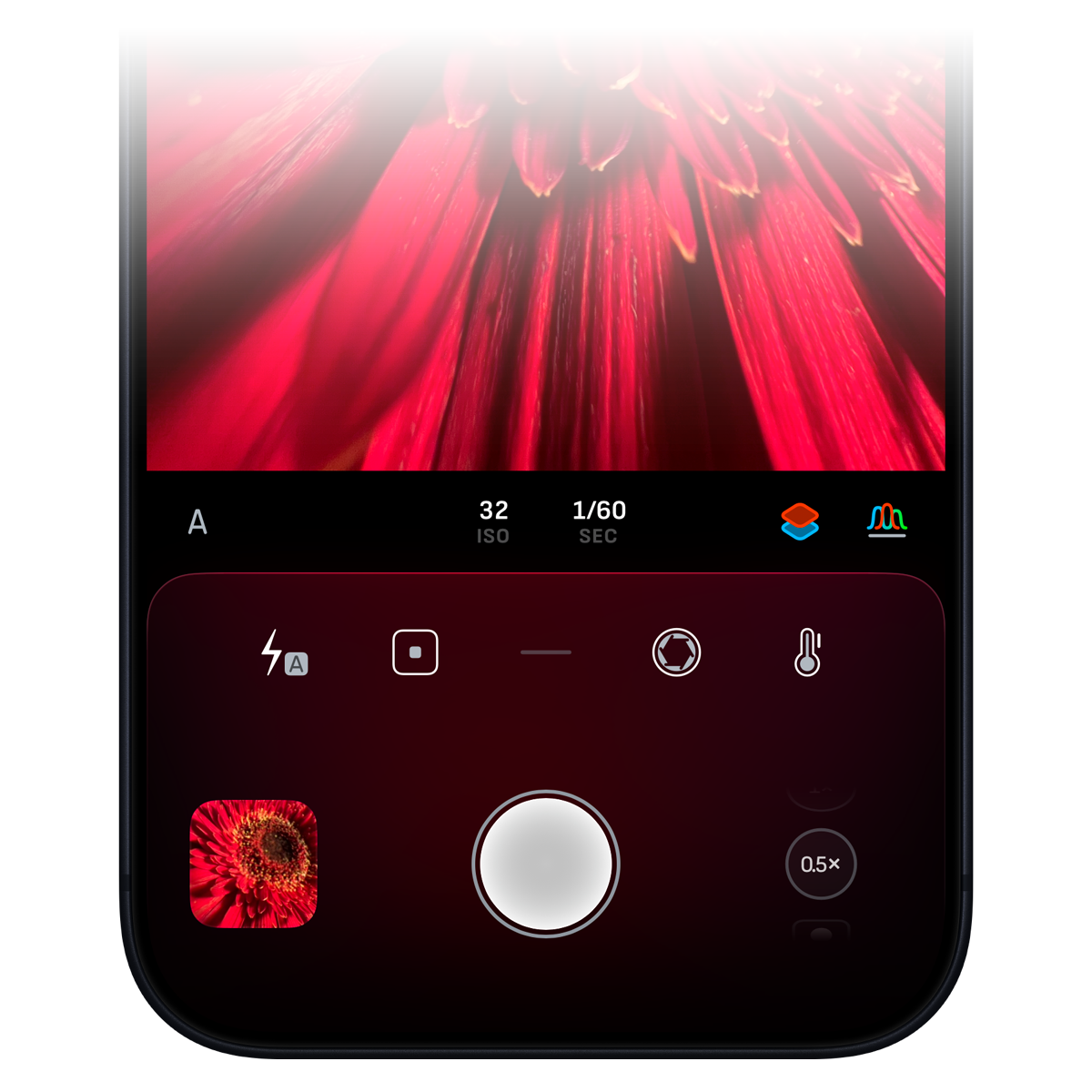
Camera M is back! We would like to welcome you to our newest version 9 update – a major release with all the crucial updates. Let us take a look at them one by one.
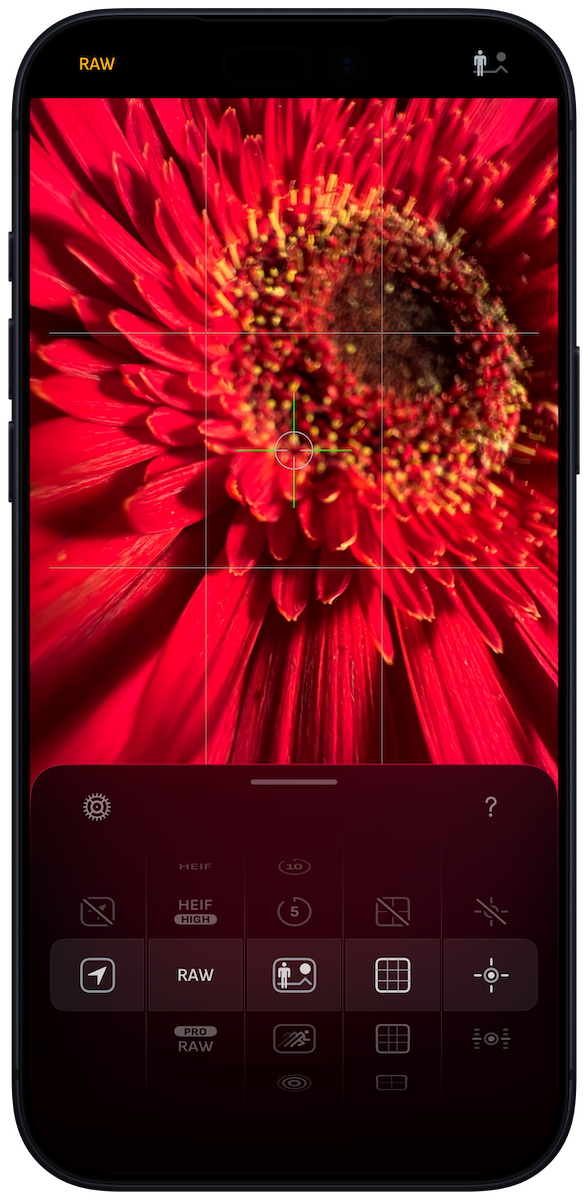
Liquid Glass Design
The whole Camera M interface received an overhaul with the new Liquid Glass material introduced in iOS 26.
Quick Settings panel is redesigned with a more fluid pan gesture. It is now taller and easier to reach with single-handed operation.
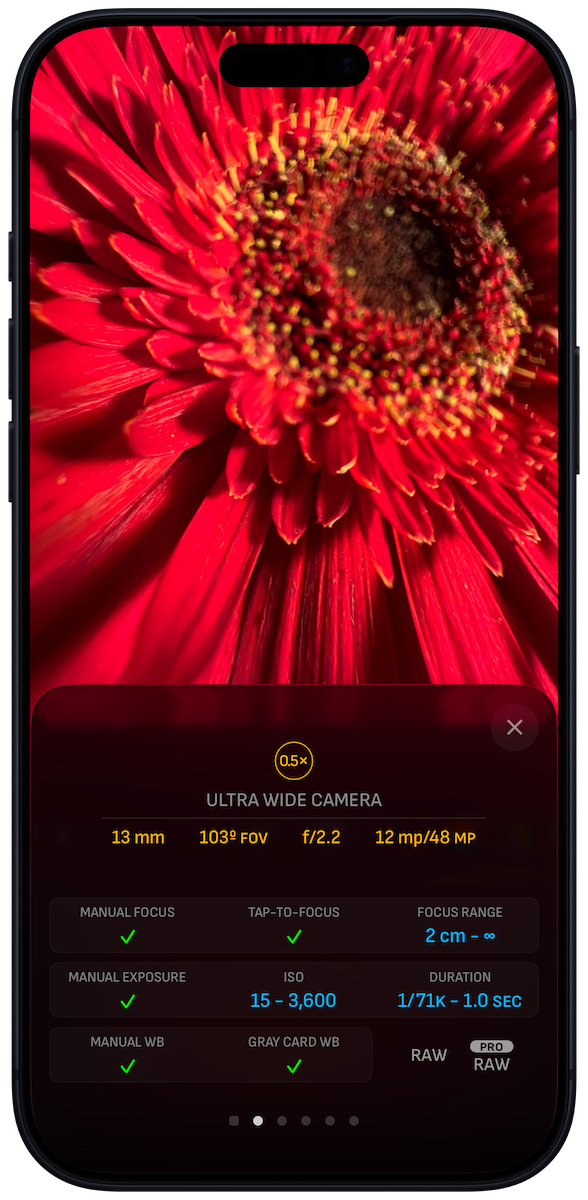
As you can see from the Camra Profiles display, the surfaces reflect more of the colors of what you are capturing from the camera viewfinder, with the specular color highlights on the edges.
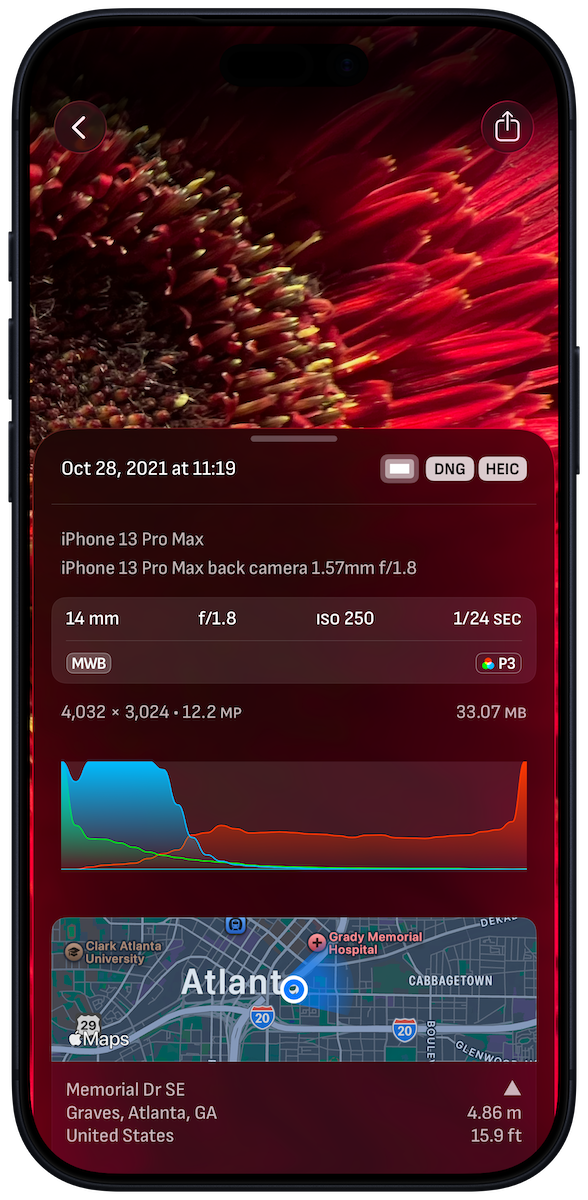
Interface element corners are more curved, and buttons are rounded off to complement the shape of the modern iPhone screens.
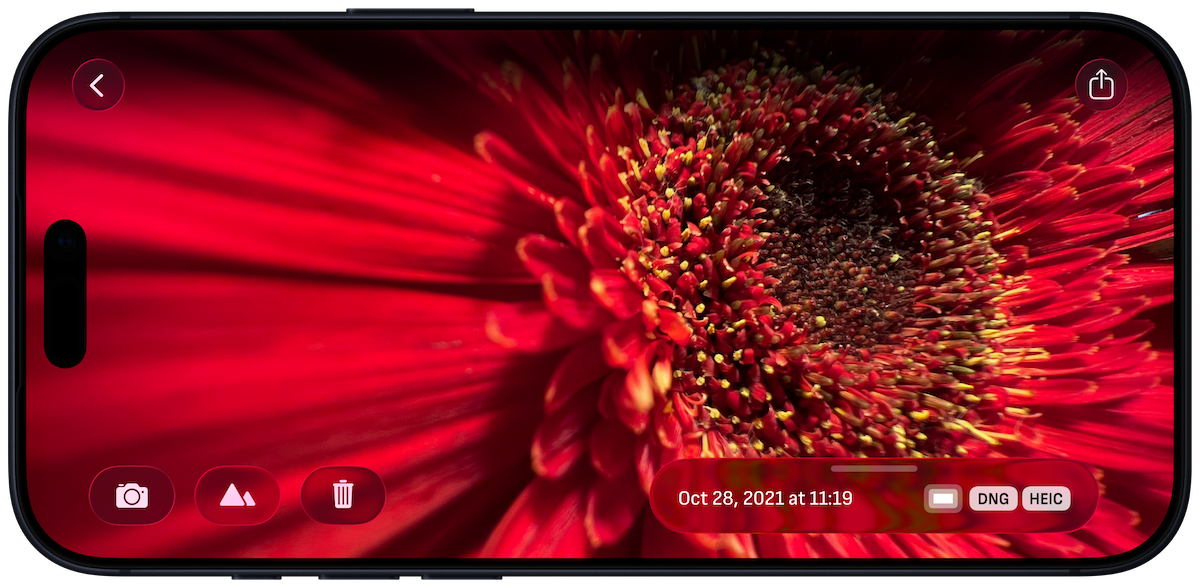
Photo viewing in landscape orientation now has an improved layout that feels more immersive in your amazing captures.
Camera Control
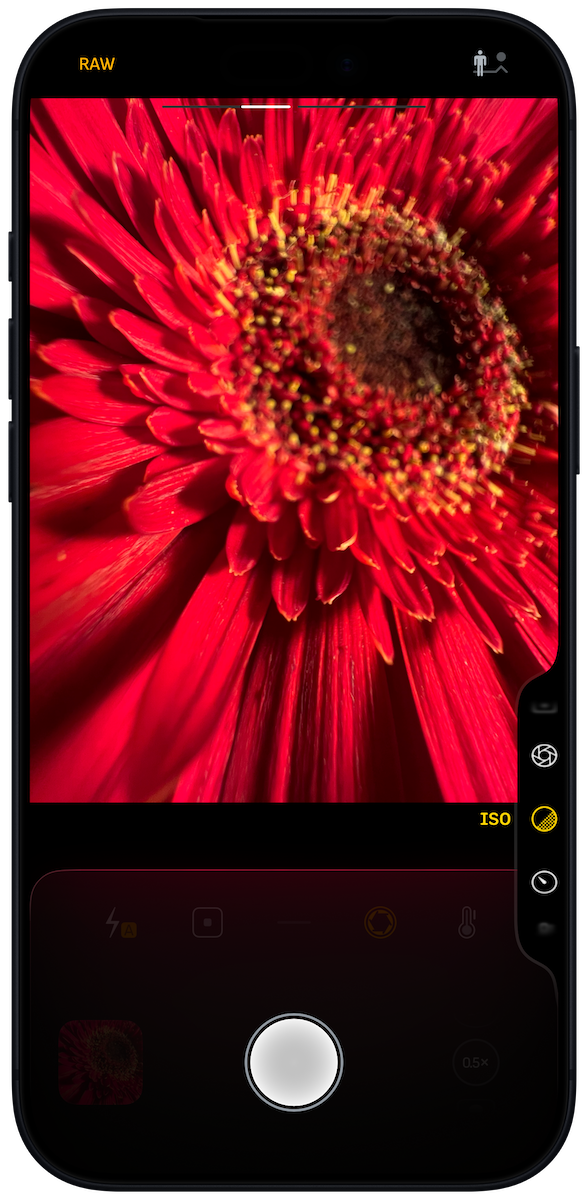
Use Camera Control to launch Camera M and adjust manual controls with ease. iPhone 16 or later is required. Available controls include:
Focus
Exposure Bias (EV)
ISO
Exposure Duration
White Balance Temperature
Enable this feature by selecting Camera M through :
iPhone Settings > Camera > Camera Control
You can also press Camera Control from Lock Screen, Home Screen, or even while in another app to launch Camera M and start shooting.
We recommend using Action Button to switch cameras via the provided App Shortcut.
Lock Screen Capture
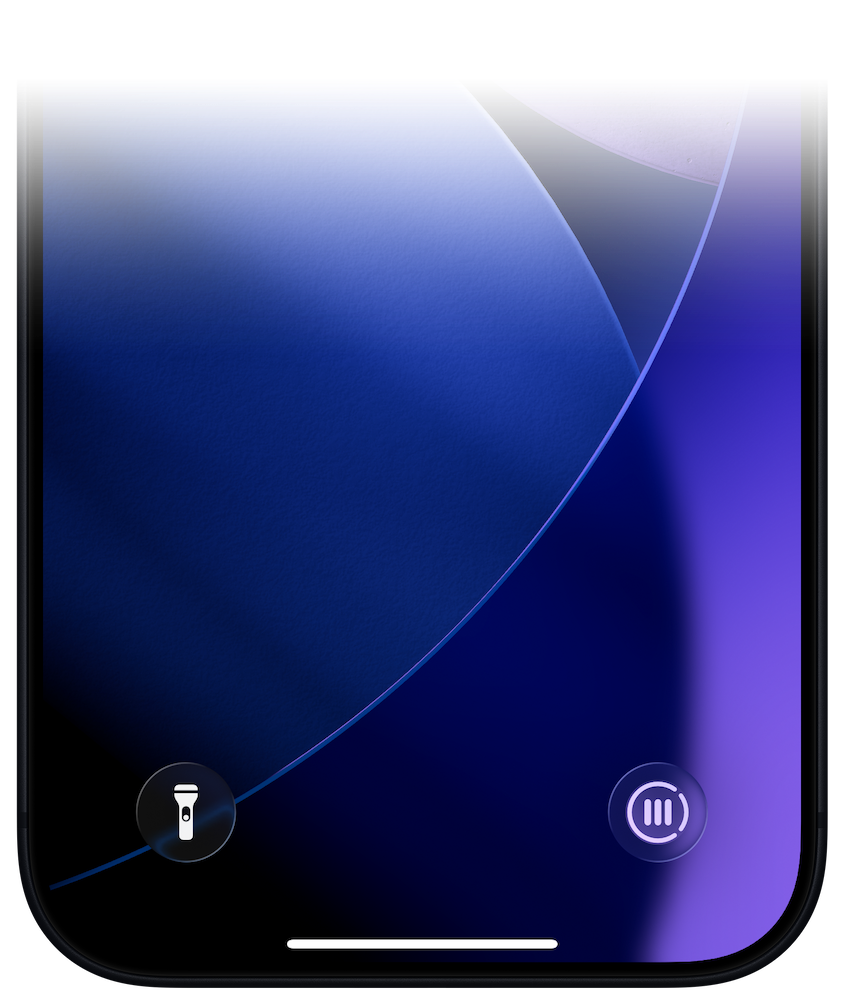
Launch Camera M from Lock Screen even when your iPhone is locked.
Control Center Widgets
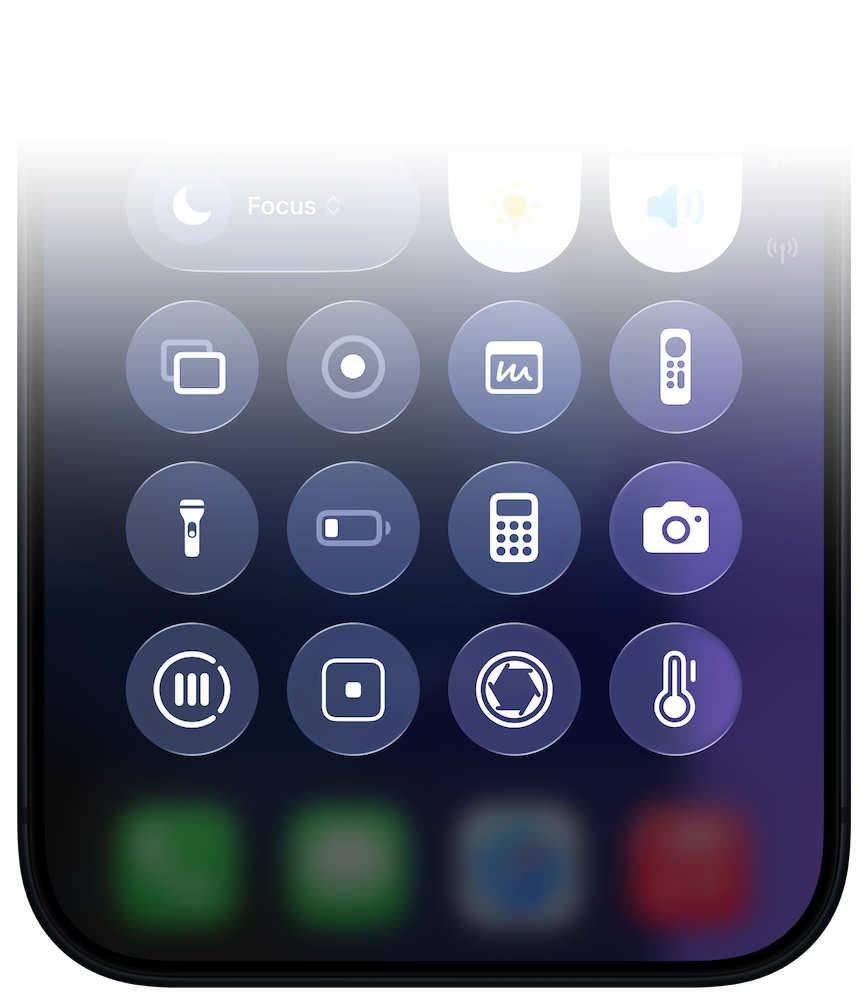
Access Camera M through Control Center.
Launch Camera M
Focus Screen
Exposure Screen
White Balance Screen
iPhone 17 and iPhone 17 Pro Optimization
Camera M is now fully optimized for iPhone 17 and iPhone 17 Pro.
The interface looks even better on the larger iPhone 17 screen.
This year, iPhone 17 Pro and iPhone 17 Pro Max got new 4x and 8x telephoto cameras. Camera M now supports both those while being capable of shooting 48 MP resolutions on all three cameras — ultra-wide, wide-angle, and telephoto.
We also brought support to the single cameras on iPhone 16e and iPhone Air.
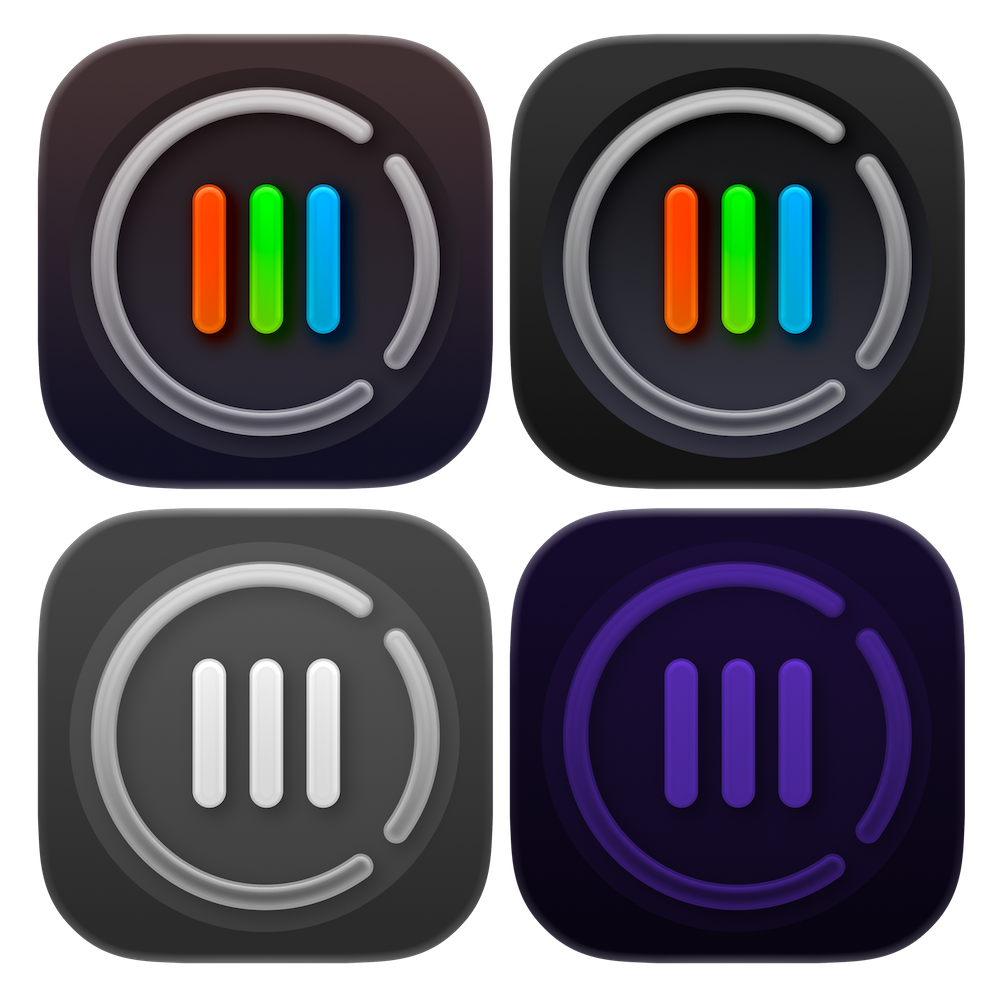
App Icons
With this update, Camera M now fully supports Light, Dark, Clear, and Tinted modes for the app icon on Home Screen.
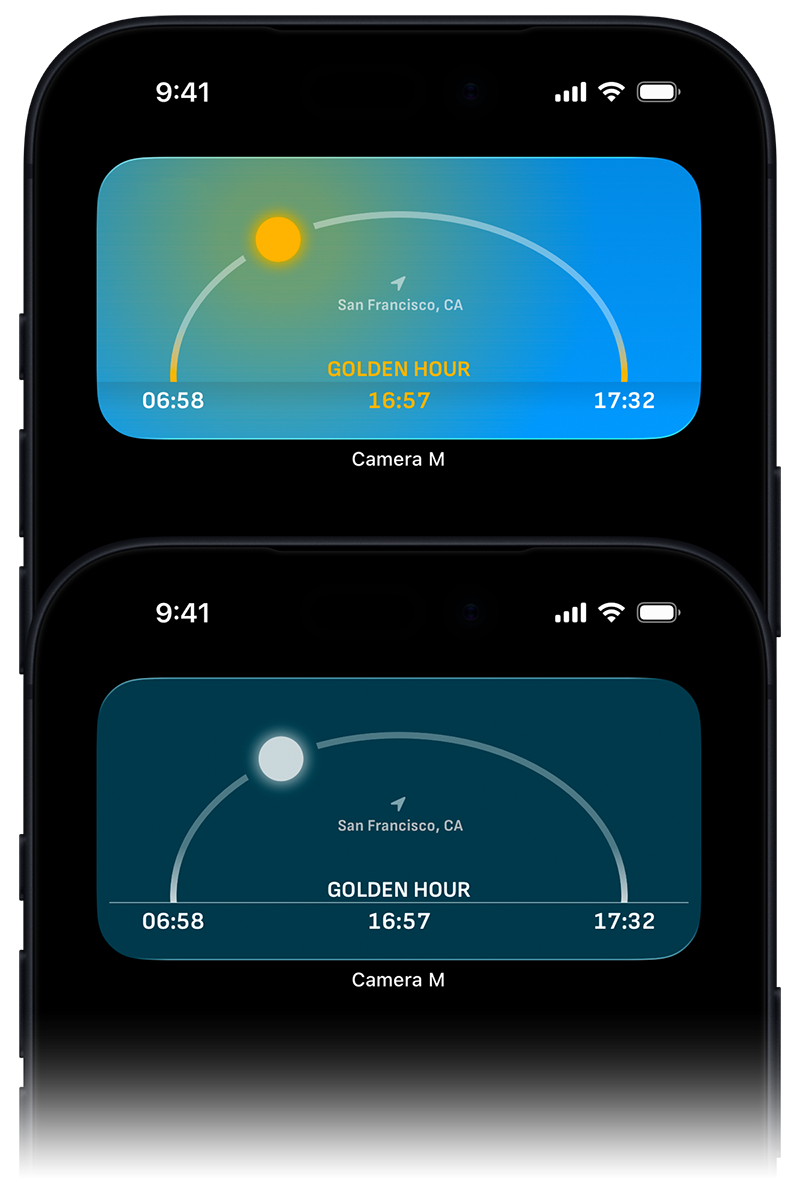
Home Screen Widgets
Just as the app icon, Home Screen widgets now support Light, Dark, Clear, and Tinted modes.
Please note that we have provided three Home Screen widgets since iOS 14:
Golden Hour
EXIF for Last Photo
Cameras
Other Improvements
We made various changes and improvements throughout to make the app more efficient and up to date. The more you navigate through the interface, the more changes and improvements you will notice.
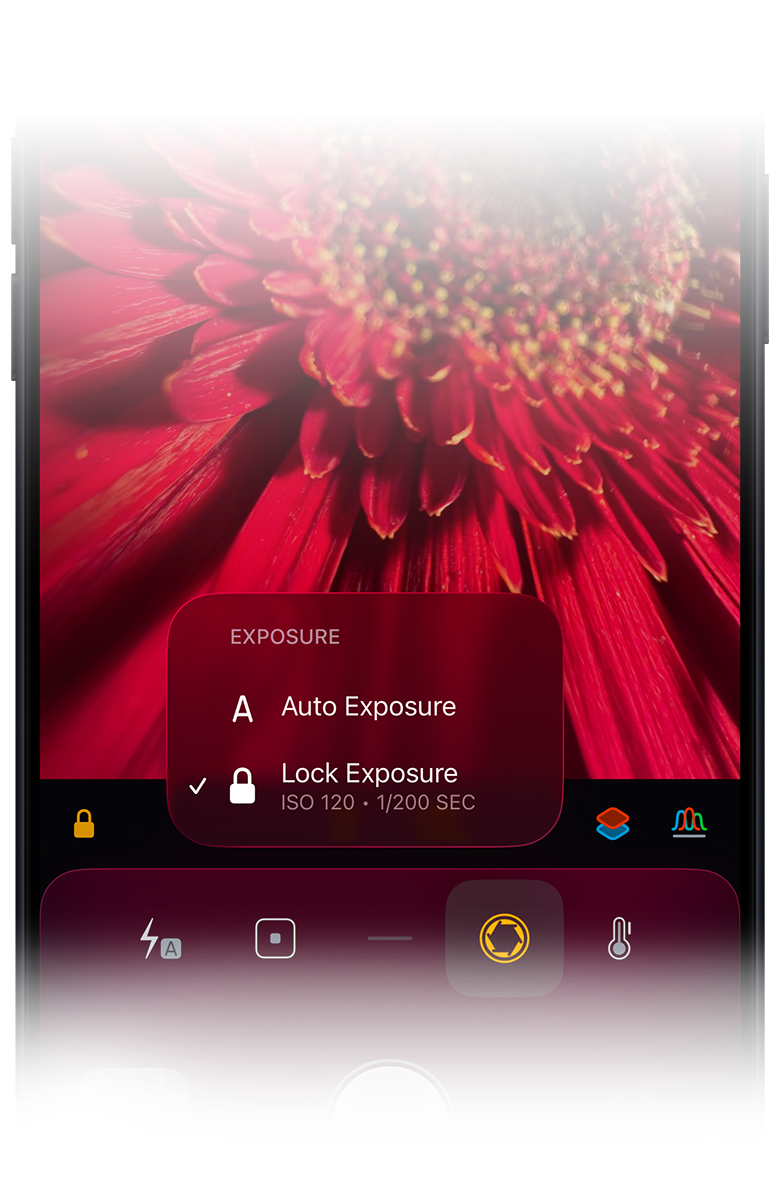
Haptic Menu Information
If you press and hold the main Exposure Screen button, the haptic menu that is presented now displays current ISO and exposure duration values, if the exposure is locked, not in auto.
We found this very convenient since you do not have to leave the current screen to check the current values.
This addition is also present in the focus and white balance haptic menus.
Accessibility Improvements
Camera M continues to be a very accessible camera. We discussed it in detail here - Camera M and Accessibility
For version 9, we made the main adjustment labels bigger and more prominent. When you are adjusting, the label magnifies more and moves more towards the center of the screen for improved legibility.
Please note that you can set per-app accessibility settings where you can have just Camera M open with larger fonts, increased contrast, or other settings.